
Local pickup guide
Car rental and pickup in Newton and Watertown, MA
Planning a car rental in Newton and Watertown, Massachusetts? Boston Car Spot is an independent Turo host offering local SUV pickup in these towns, subject to your chosen vehicle and dates. A car may be based in Watertown at times, so its pickup location and availability can change. The specific car's Turo listing is the place to confirm its location, pickup choices and current trip details before booking.
Local pickup or Logan Airport pickup?
Local pickup means collecting the car at its listed location in Newton or Watertown, not at Logan Airport. Enter your dates on the specific car's Turo listing, confirm its pickup location and select the local option if it suits your trip. A car's location for another date does not confirm where your pickup will be. Choosing local pickup does not include airport pickup or delivery.
For Logan Airport, check whether airport pickup is offered for your car and dates, then select it on Turo. When selected, pickup is at the designated Turo area in the Economy Garage, not an airport rental office. Review any fees before completing your reservation.
Read the Logan Airport pickup guide Choosing a car for Logan? Explore airport rentalsWould delivery suit your trip?
Delivery to you within a 10 mile service radius may be available. Confirm your address, availability for your dates and any delivery fee through Turo before booking. Select delivery only when it is offered on the specific car's listing for your trip.
A Newton or Watertown address alone does not confirm delivery eligibility. If delivery is not offered for your address and dates, review the listed local pickup choices instead. Use the location and instructions confirmed through Turo.
Explore the vehicles
Start with the car that suits your trip. Open its listing and enter your dates to see current availability, prices, pickup options and any fees. A vehicle shown here does not guarantee availability for your dates.
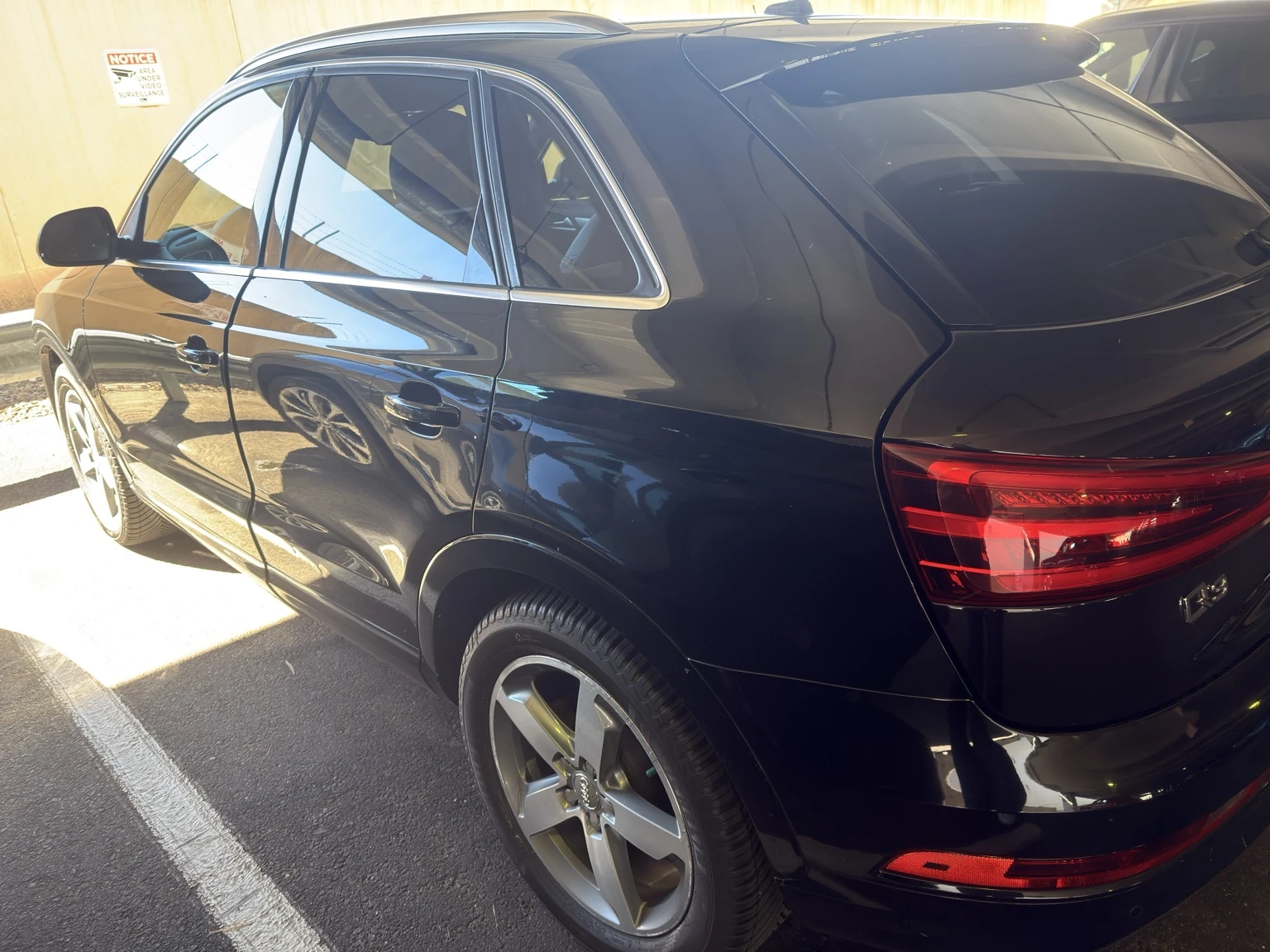
2015 Audi Q3
Premium compact SUV · Black
View Audi Q3 on Turo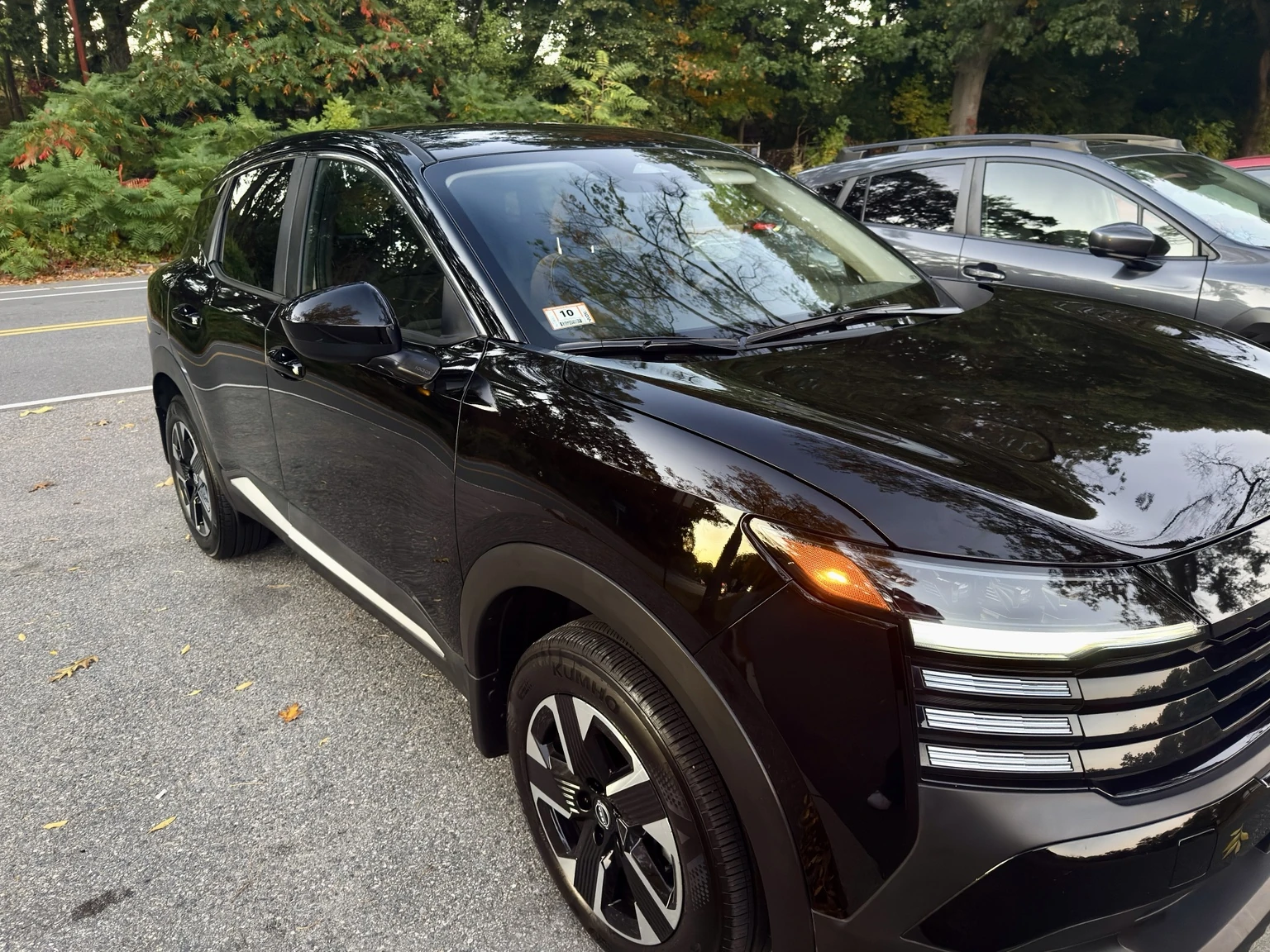
2025 Nissan Kicks SV AWD
Compact SUV · Black · All wheel drive
View Nissan Kicks SV AWD on TuroChoosing pickup for your first Turo trip
- Open the specific vehicle listing and enter your trip dates. Review the car details and the pickup choices shown for that trip.
- Select the listed local pickup option if it matches your plans. If you prefer delivery, confirm your address and select it only when offered for your trip. Check the location, times, price and any fees shown on Turo before booking.
- Complete your reservation and payment through Turo. This website does not take bookings or payments.
- After booking, read the pickup instructions shared through Turo. Use the confirmed details to plan where and when to meet the car.
- At pickup, follow the check in steps in the Turo app. Message the host through Turo if any instruction is unclear.
Practical local pickup questions
- Where is the exact pickup address?
- Check the pickup location on the specific car’s Turo listing before booking. After you reserve, follow the exact pickup details shared through Turo.
- Can I pick up at a time that suits my plans?
- Enter your preferred dates and times on Turo to see the pickup options available for your chosen car.
- Does local pickup include airport pickup or delivery?
- Local pickup, airport pickup and delivery are separate choices. Select the option that works for your trip from those offered on your chosen car’s listing, and review any fees before booking.
- Will my car be in Newton or Watertown?
- The location depends on the vehicle and your dates. A car may be based in Watertown at times. Check the specific listing for your trip rather than assuming the same car is available in both towns.
- What if I need to change my pickup plans?
- Review your reservation in Turo and message the host about the change. Do not assume another location or time is confirmed until your trip details and instructions reflect it.
- Where do I find return instructions and trip policies?
- Read the current policies on the vehicle's Turo listing before booking. After booking, follow the return instructions shared for your trip and ask the host through Turo if anything is unclear.
This guide is general information from an independent host, not an affiliation with Turo or Massport. Your chosen listing and confirmed booking instructions take priority.
View cars on Turo